
Orders ring at your counter.
Each order arrives with the table number. Turn table ordering on or off with one switch.
NomNom for cafés and restaurants
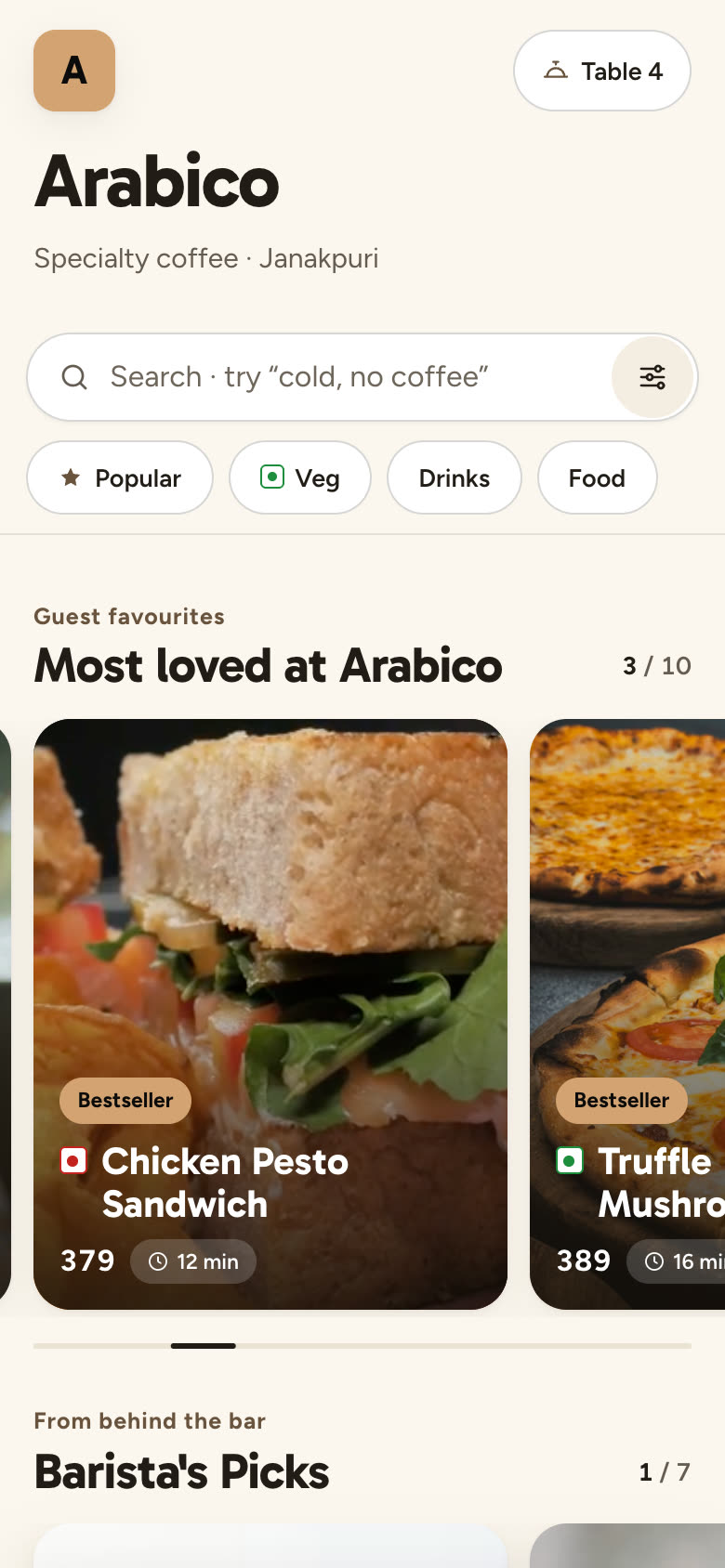
Guests scan the QR on their table and see every dish in motion. They notice your best dishes, and you change the menu in seconds.
A guest reads “Pineapple Trifecta”, can’t picture it, and orders a cappuccino. Again. Your best dishes never get a chance.
For your guests
No app, no sign-up. Just the phone camera and a menu they actually want to scroll.
Your menu opens straight away, already set to their table number.
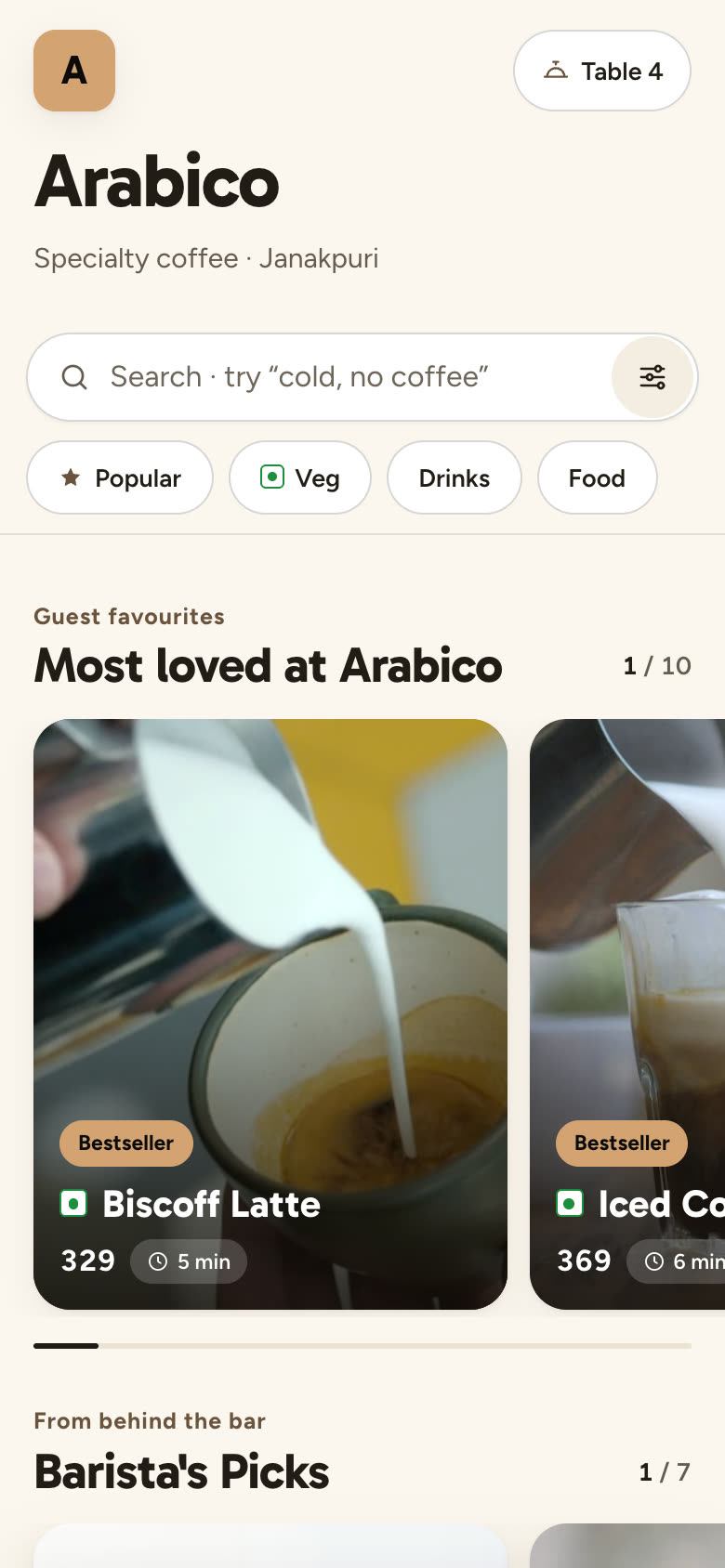
Tall video cards they swipe through before anything else.
A numbered top five, then tidy sections with veg marks and prices always visible.
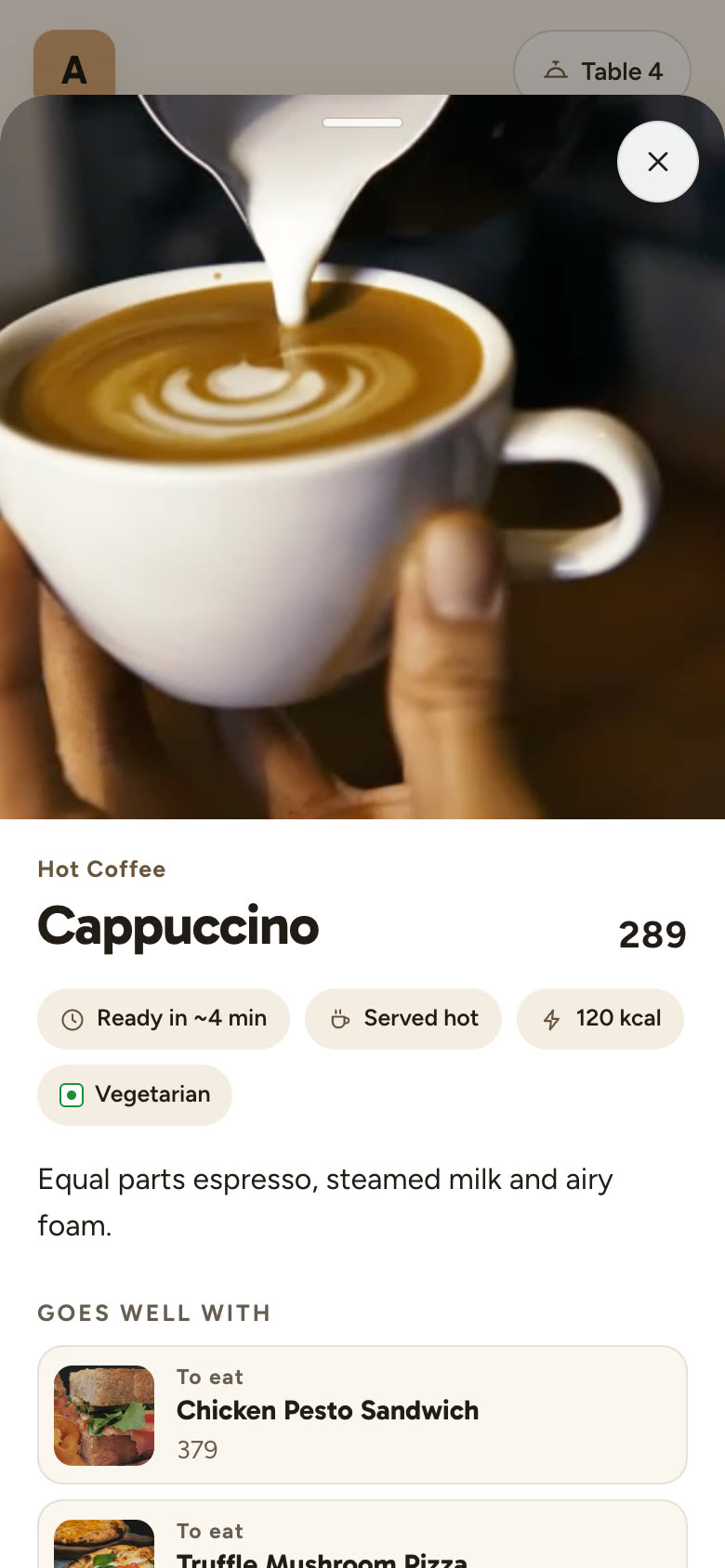
The dish page plays its clip, suggests what goes well with it, and sends the order to your counter.
Why video
You make food videos to bring people through the door. But the guests already sitting at your tables, deciding what to order, only get a name and a price. NomNom shows them your food at the moment they choose.
A photo shows your brownie. A video shows it cut open, warm chocolate running out. Which one sells dessert?
Signature dishes, chef’s specials and desserts get noticed, not skipped.| Usual today | With NomNom |
|---|---|
| Food videos only on Instagram | The same videos on the menu at the table |
| Text descriptions | See the texture, the size and how it’s served |
| Best dishes buried in the list | Signature dishes and specials up front |
| Staff reminding guests about dessert | Desserts that make the case on screen |
| Guests ordering the usual | An easy way to try something new |
For owners
Prices, videos, sold-out dishes, table orders and QR codes, all from one dashboard on your phone or laptop. Try it below.
Each order arrives with the table number. Turn table ordering on or off with one switch.
Guests stop seeing it instantly.
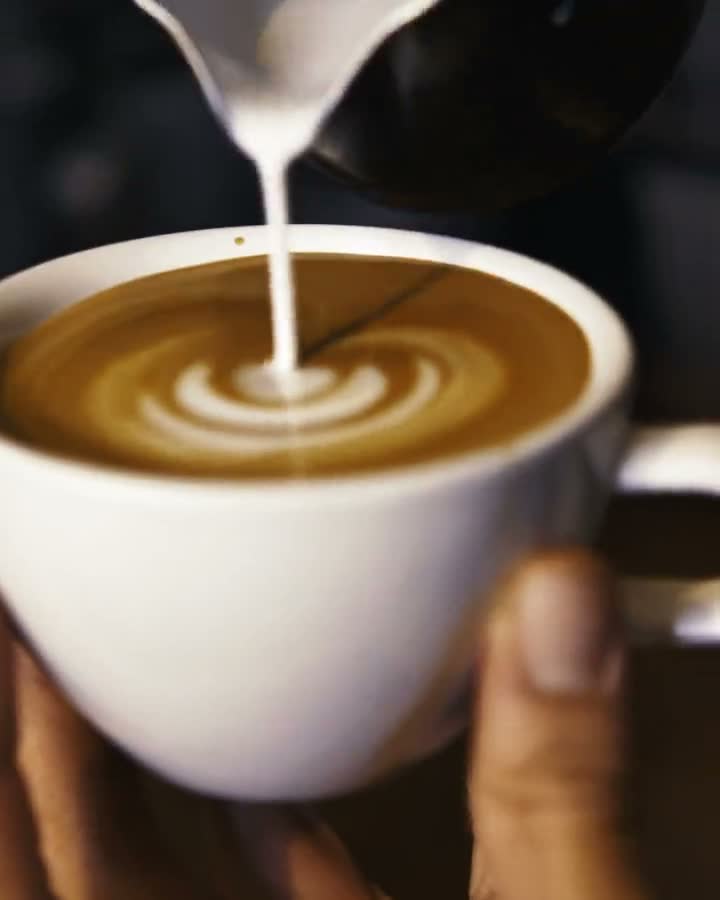
No reprinting. Type a new price and watch the guest’s menu update.
Orders by day, week and month, and which video dishes sell best.
Enter your table numbers and print a sheet. Each code opens the menu for that table, ready for ordering.
Bring your dishes in from an Excel sheet, a CSV file or your Zomato listing, then add photos and clips.
Watch
Why text menus hold your dishes back, and what your guests see when they scan a NomNom QR.
Start with a pilot
You spend money and effort getting guests through the door. NomNom makes the most of the moment they choose what to order. We set it up, you watch how guests use it, then you decide.
Make them see it. Make them crave it.
Contact details coming soon.
No. Guests scan the QR with their phone camera and the menu opens in the browser, on Android and iPhone.
Start with photos. Short clips shot on a phone work well, and NomNom resizes them so they load quickly. Begin with your 10–20 signature dishes and add more over time.
Yes. Enter your table numbers (for example “1-12” or “1-8, Patio 1, Patio 2”) and the dashboard makes a print-ready sheet. Each code opens the menu with that table number, so table orders arrive labelled.
Table orders arrive in the NomNom dashboard with the table number, and can be printed as a kitchen ticket or exported. Direct POS sync is on our roadmap.
No. Switch ordering off and NomNom works as a view-only video menu.